Installing NetBeans 7.4 with NBAndroid plugin
Installing NetBeans 7.4 with NBAndroid plugin
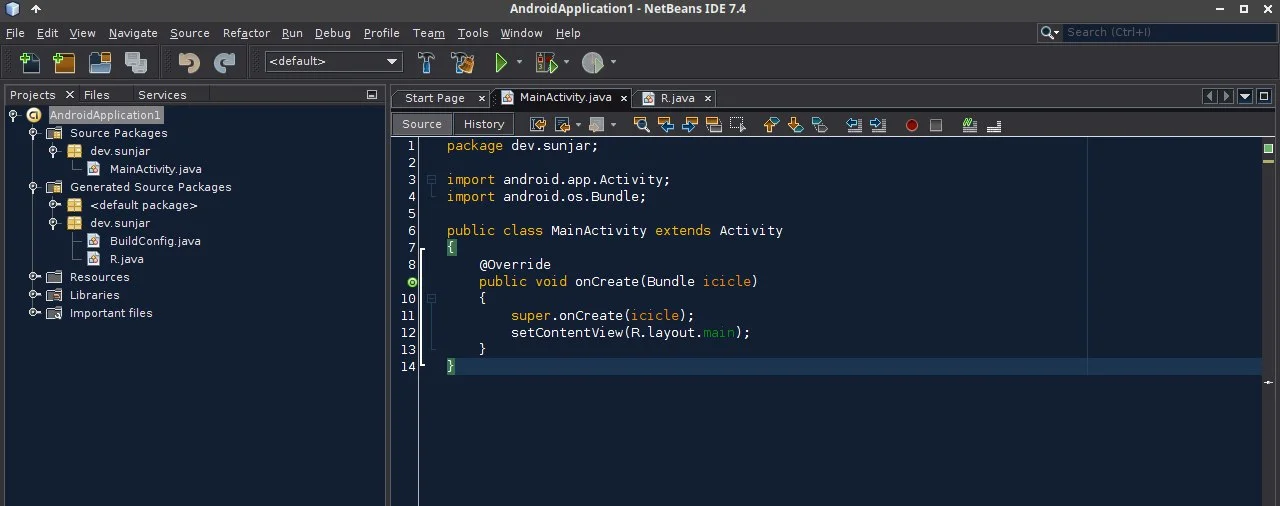
Step 1
Download and install NetBeans 7.4
| |
Step 2
Download nbandroid v13.12.26
| |
Step 3
Extract archive
| |
Step 4
Launch NetBeans 7.4 (In this example we’ve installed NetBeans into /opt/)
| |
Step 5
Go to Tools ⇒ Plugins, then press [Check for updates] button.
Step 6
Choose the “Available Plugins” tab, find “JUnit” plugin, then install it. Don’t restart IDE after installing this plugin. If it asks to restart, сhoose “Restart IDE later” option and continue.
Step 7
In “Plugins” window click to the “Downloaded” tab. Press [Add Plugins…]
Step 8
Navigate to /tmp/nbandroid/, select all .nbm’s and press “Open” button. If you got some problems with plugin dependences, go to step #6 and try to fix them. So, if everything is OK, hit the [Install] button below the list, and follow the next installation instructions.
Step 9
Apply all available updates for your plugins (Optional) – go to “Updates” tab, press [Install] and follow the instructions. Restart IDE after updating.
Step 10
Enjoy!